Self Serve Patient Education

Hoot
Patient education by RCS
Prepared for
[Brand]
[Brand]·NSCLC adaptive patient journey
Hoot Health · Adaptive patient journeys

Self serve Patient Education journey by text and video, set up for your brand.

Hoot helps specialty and rare disease patients start and stay on therapy with short HCP videos, one tap replies and real-world data, delivered as an RCS text thread.

QR code to try the demo journey
Try it now
Scan to get the journey on your phone
See the journey
Book a demo
See Hoot set up for your brand
✓No app ✓No portal ✓No login ✓MLR approved
9:41
B
[Brand] Patient Support✓
Verified business
Today 8:15 PM
Hi Maria, this is [Brand] Patient Support, on behalf of your care team. Start here:
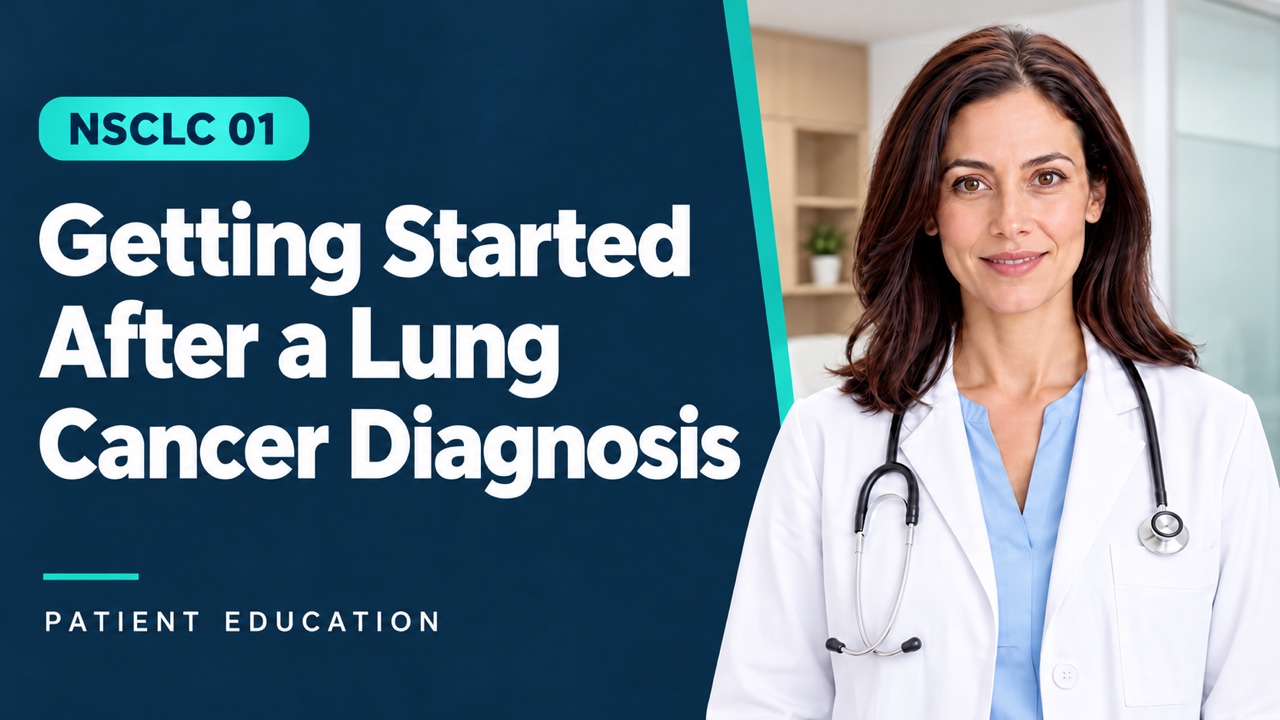
Getting Started After a Lung Cancer Diagnosis · 0:50
Watch Video
1. Explore treatment
2. Fear and daily life
3. Cost and access
+
RCS message
Watch time
0:47 of 0:50
Patient replied
“I’m ready”
The setup

How we set everything up.

A
Design the adaptive journey with Hoot

Hoot maps how each reply or silence routes the patient to the next video, from diagnosis to the first treatment day.

Enrolled Watched video 1 No view in 2 days I’m ready Not yet Reminder nudge Asks a question First treatment day Concern videos
Branches are set by the brand’s label and what the doctor prescribed.
B
We develop the content

About 11 short patient videos across the journey. [Brand] takes everything through MLR. Nothing goes live without approval.
Your HCPs on video
Option
Recorded once by Hoot. Real oncology PAs and NPs, on camera.
AI HCP Educator
Option
As shown in the demo. Fastest to produce and update, on label and MLR-reviewed.
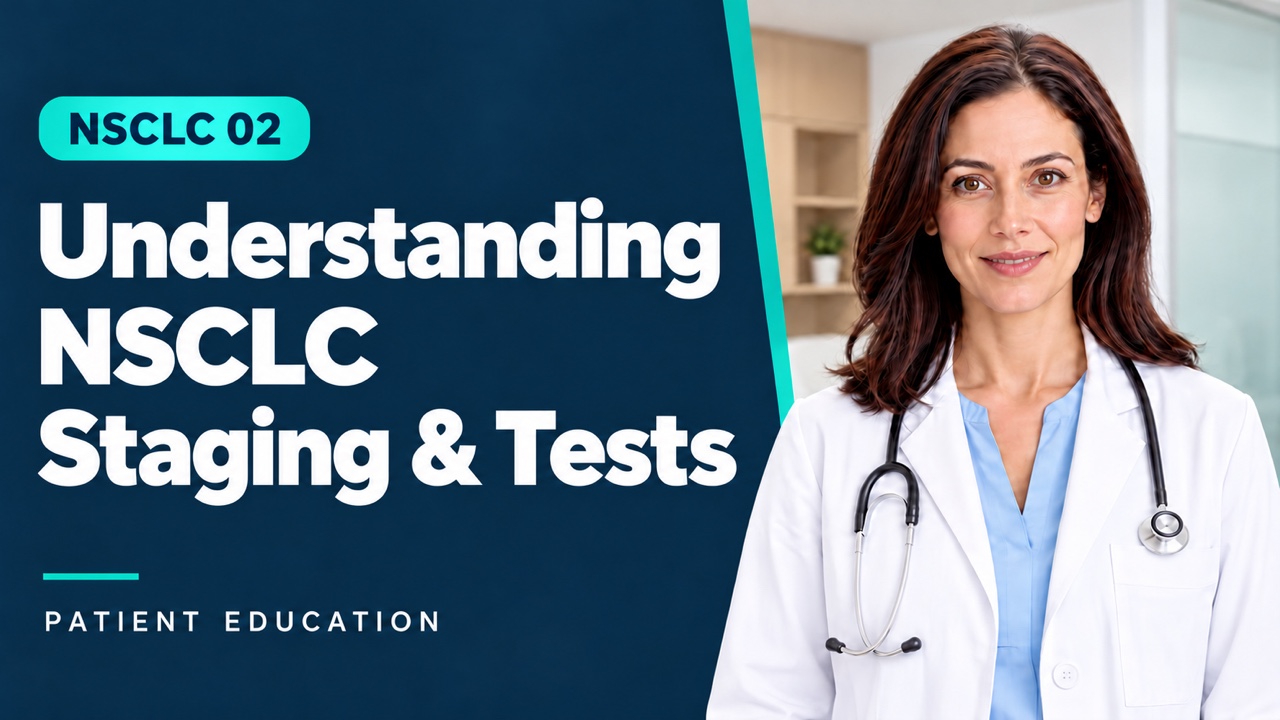
Patient video: Getting started after a lung cancer diagnosis Patient video: Understanding NSCLC, staging and tests Patient video: Understanding your treatment options Patient video: What to expect at the treatment center Patient video: Managing side effects and when to call your care team Patient video: Coping with fear after diagnosis Patient video: Work, family and daily life during treatment Patient video: Treatment costs and insurance coverage Patient video: Financial assistance for treatment and travel Patient video: Addressing concerns before starting treatment Patient video: Preparing for your first treatment day
11 videos in the patient series✓ MLR approved by [Brand]
C
Launch In HCP offices

Hoot-in-a-box arrives at each clinic with everything the front desk needs to enroll patients on day one. Staff are trained before the box lands.

Hoot
In-a-box
1 · The box
One per clinic, sent to the practice manager.
Questions about treatment?
Scan to start
2 · Tear-off sheets
QR sheets handed over at the visit.
Exam room
Starting treatment?
3 · Exam room tents
Patients scan while they wait.
Start here
Your videos, by text
4 · Start cards
Wallet cards to take home.
Hoot
Staff onboarding guide
Enroll a patient in 20 seconds
5 · Staff onboarding
One-page guide plus live training.
Sample journey

Sample for Oncology

A non-small cell lung cancer (NSCLC) journey, from the office visit to the first treatment day.
1
In the office

The PA or NP hands over one card. Hoot takes education off their plate.

The oncologist sets the treatment plan, but it’s the PA or NP who explains it, and they are stretched thin. At the end of the visit they give the patient a start card with a QR code. The patient scans it before leaving the room, and Hoot handles the education from there.
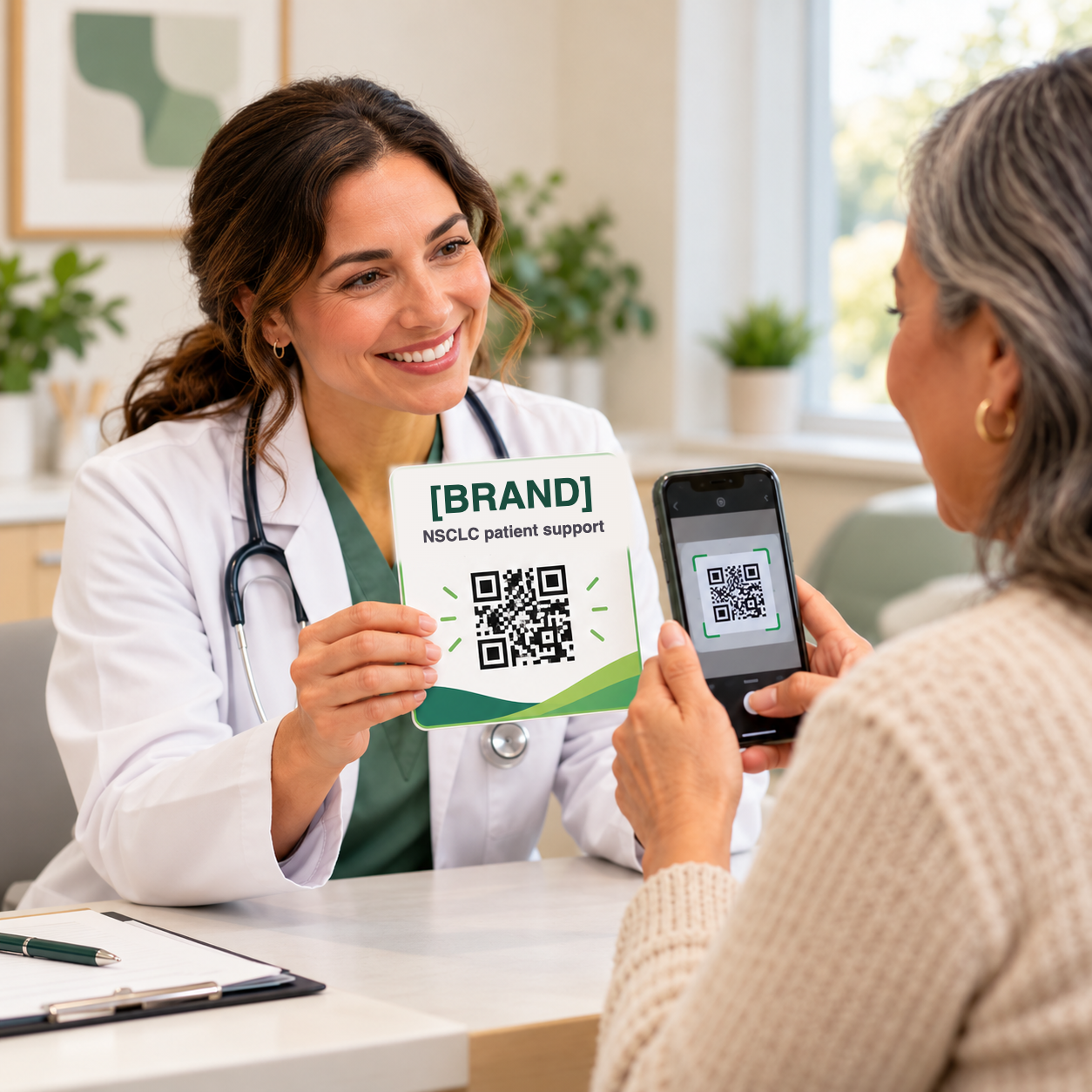
Hand over the card. Co-branded with the practice, featuring the doctor’s name.
Patient scans the QR. Name, phone and email only. No app, no portal, no login.
Patient replies YES. The journey is live before they reach the parking lot. Nothing for staff to chase.
Why it matters: the rep delivers the cards to the practice. Every treatment plan now leaves the room with an education plan attached, and the doctor gets the credit.
the oncologist hands the patient the start card
Start card
Your questions, answered by Dr. Judy and your care team.
Scan the code, confirm your number, and short videos arrive by text as you need them.
Try it now
QR
Scan to start
9:41
B
[Brand] Patient Support✓
Verified business
Today 8:15 PM
Hi Maria, this is [Brand] Patient Support, sent on behalf of Dr. Judy and your care team. Start here:
Getting Started After a Lung Cancer Diagnosis · 0:50
Watch Video
1. Explore treatment
2. Fear and daily life
3. Cost and access
+
RCS message
2
At home: the adaptive journey begins

The Brand's voice, delivered by an HCP, follows the patient at home.

That evening, a message from a verified RCS sender delivers the first video, sent on behalf of Dr. Judy. Then one question: what’s on your mind most? From there the patient chooses their own path, and every tap sends only the branch that matches.

Video plays in the thread. Suggested replies, carousels, click-to-call, maps and calendar all work natively. Phones without RCS get the same journey by SMS.

Try it: tap a button on the phone to open its screen.
A patient and her partner at the kitchen table, watching an NSCLC video on her phone
Not an app. Not a portal. Not a website. No login.
How Hoot runs
Hoot runs as a text message thread on RCS (Rich Communication Services), in the messaging app the patient already uses every day.
Route, then educate + resolve
The patient picks the worry. Hoot sends only that branch.
Every branch is a swipeable carousel of short videos, and most add an action button. Reply MENU anytime to open any video.
Menu
Gives patients a “menu” from built out journey.
Message 1
The first question
After the start video, one question: what’s on your mind most? Three one tap replies, one per worry.
Tap an option on the phone to open its screen below.
9:41
B
[Brand] Patient Support✓
Verified business
Hi Maria, this is [Brand] Patient Support, on behalf of Dr. Judy and your care team.
Getting Started After a Lung Cancer Diagnosis · 0:50
Watch Video
1. Explore treatment
2. Fear and daily life
3. Cost and access
+
RCS message
Signals
Hoot videos measure watch time and delivers polite nudges accordingly.
One tap replies
No typing. The patient taps a suggested reply and the matching branch is sent.
If they tap 1
Explore treatment
Core path
9:41
B
[Brand] Patient Support✓
Verified business
Explore treatment
Three short videos from your care team. Swipe to see all three.
Your Treatment Options · 0:59
Watch Video
What to Expect at the Treatment Center · 1:00
Watch Video
Side Effects & When to Call · 1:09
Watch Video
+
RCS message
If they tap 2
Fear and daily life
Library branch
9:41
B
[Brand] Patient Support✓
Verified business
Fear and daily life
You’re not alone in this. Swipe to see both.
Coping with Fear · 0:53
Watch Video
Work, Family & Daily Life · 0:53
Watch Video
Talk to Someone
+
RCS message
If they tap 3
Cost and access
Library branch
9:41
B
[Brand] Patient Support✓
Verified business
Cost and access
Two short videos on cost and help paying. Swipe to see both.
Treatment Costs & Insurance · 0:48
Watch Video
Financial Help for Treatment & Travel · 0:54
Watch Video
Check my coverage
+
RCS message
Only the branch they tap is sent
Real-World data on why patients don’t START
Every “Not yet” and the barrier behind it is captured, aggregated and reported to the brand.
Message 2
The readiness mini-survey
Sent 30 minutes after the patient watches any video in the journey (at least 5% watched).
Tap an option on the phone to open its screen below.
9:41
B
[Brand] Patient Support✓
Verified business
Do you feel ready for treatment?
1. I’m ready
2. Not yet
+
RCS message
If they tap 1
I’m ready → First treatment day
Patient-led
9:41
B
[Brand] Patient Support✓
Verified business
I’m ready
That’s great to hear, Maria. Here’s everything for Tuesday in one place.
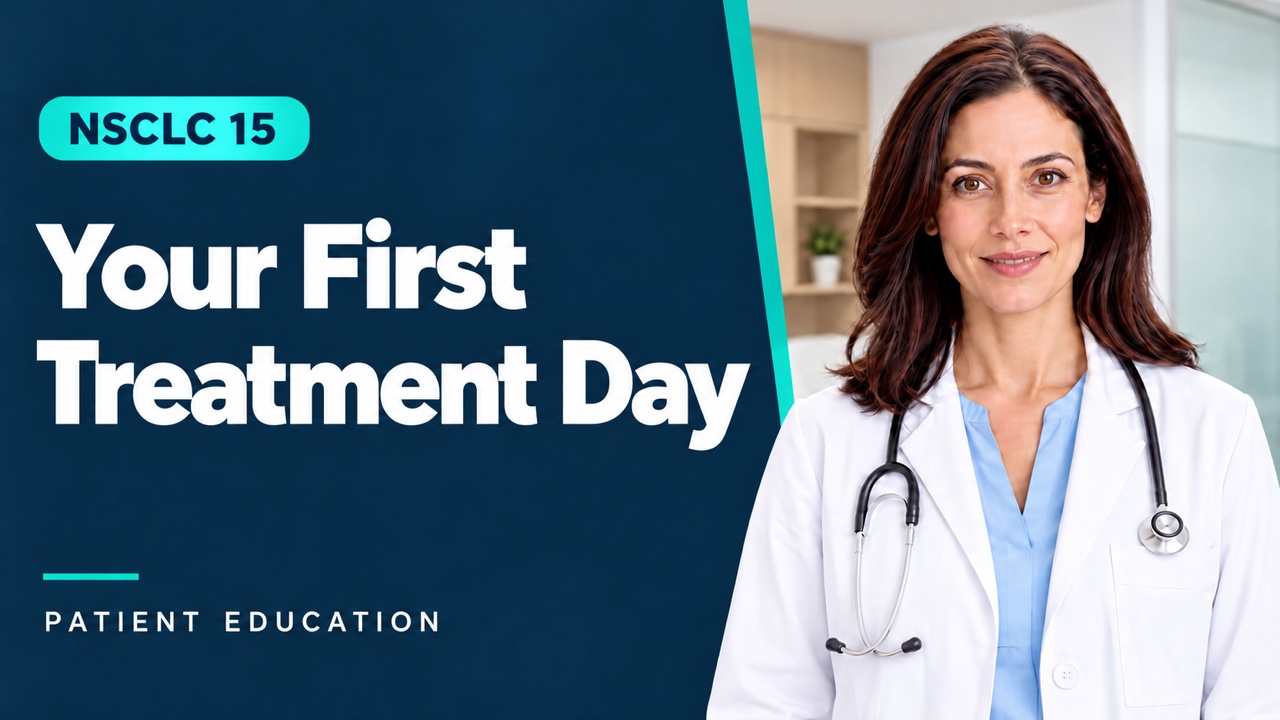
Your First Treatment Day · 0:50
Watch Video
+
RCS message
If they tap 2
Not yet → Concerns before starting
Hesitation detector
9:41
B
[Brand] Patient Support✓
Verified business
Not yet
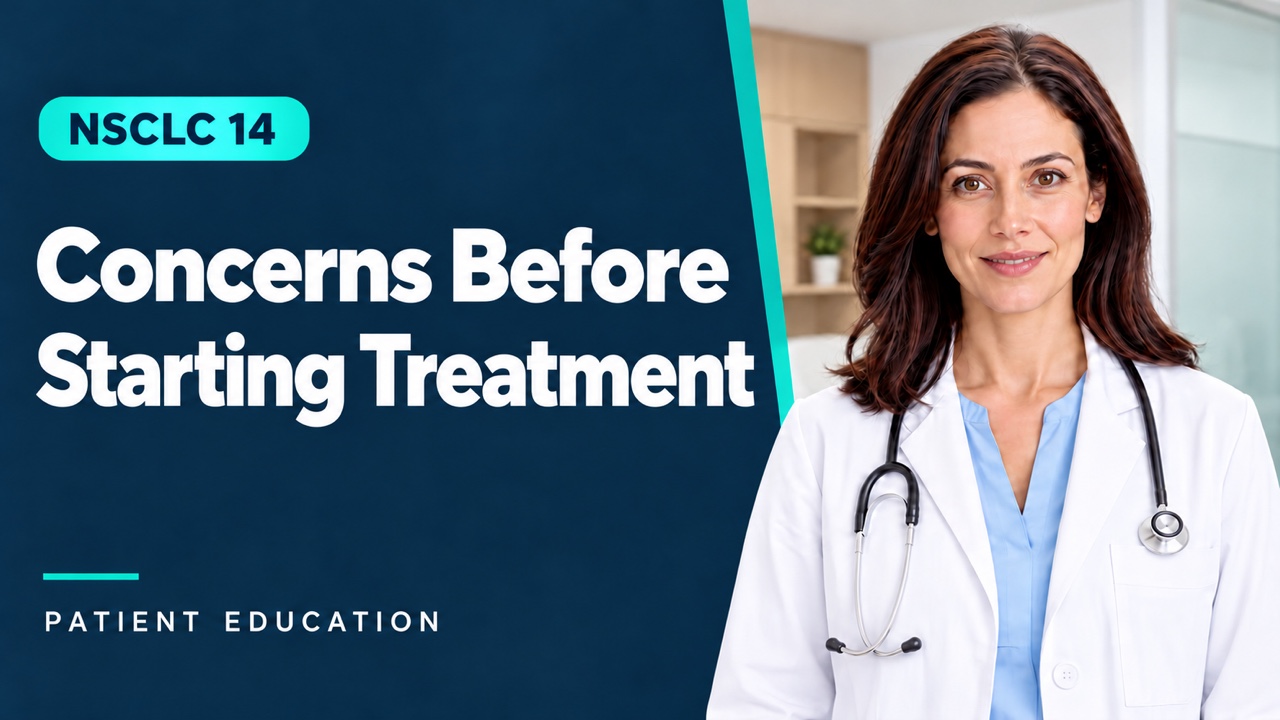
Concerns Before Starting Treatment · 0:31
Watch Video
1. Explore treatment
2. Fear and daily life
3. Cost and access
+
RCS message

I’m ready: a confirmation for Tuesday and the Your First Treatment Day video.

Not yet: the Concerns Before Starting Treatment video, then three replies that route back to the matching branch.

Routes back to the branch that matches the barrier

Explore treatment, Fear and daily life, or Cost and access each reopens its carousel.

After2 days
IfDid not watch
ThenSend a reminder with the video
Polite nudge
If a video isn’t watched
At any step, Hoot video tracks watch time and sends a friendly reminder with the same video.
9:41
B
[Brand] Patient Support✓
Verified business
Today 8:45 PM
Your Getting Started Video
Hi Maria, quick reminder: your care team recorded a short video to help you get started. It only takes a few minutes.
Watch Video
+
RCS message
Once watched
The journey proceeds to the next card.
Brand dashboard
Every tap, view and silence is measured, and each one decides the next message.
SignalWhat Hoot measuresHow Hoot nudges
Watch time
Seconds watched and drop-off point on every video
No video watched after 2 days: a reminder with the same video
Replies
Which button the patient taps at each step
Sends only the branch that matches their answer
Silence
No reply to a question or check-in
A follow-up text, then a care team alert
Readiness
“I’m ready” or “Not yet” before treatment
Ready: first treatment day video. Not yet: back to the concern
Barriers
The concern named: treatment, fear, or cost
Opens the videos and support for that concern
The report

What Pharma Brands will see: Real-World Data in real time

Every tap is a data point. Aggregated across enrolled patients, with no patient identifiers, delivered monthly.

MeasureWhat it tells you
01
Started
Did the patient start the journey?
Known from the mini-survey inside the journey: the patient tells us whether treatment has begun.
02
Abandon risk
Who is at risk of dropping off?
Known from silence: the patient isn’t selecting any content to watch, isn’t answering the check-ins, or says “not yet.”
03
Barriers
What holds patients back?
The barrier they name (cost, anxiety, side effects, doubt it will work), ranked across all patients.
04
Watch time
Which videos land?
Seconds watched and drop-off point per video, so the brand knows which content works.
Aggregate only · no patient identifiers · adverse events route per the brand’s pharmacovigilance proceduresDelivered monthly
Results

Patients START and STAY on complex therapies when they learn, understand and trust.

On their time, on their phone, from the person they trust most: the doctor.

Increased
Start rates
More patients take the first dose, sooner, because the questions holding them back are answered before day one.
Increased
Stay rates
Patients at risk of stopping are spotted early and routed back to the help they need, in the doctor’s voice.
Increased
Gross to Net
More starts and longer persistence on therapy, with real-world data the brand can act on every month.
Try it now
Book a demo
Hoot
Bob Miglani · Founder & CEO · bob@hoothealth.com · (609) 436-0778 · hoothealth.com
Prepared for
[Brand]
[Brand], Dr. Judy, the patient and all phone numbers are placeholders for demonstration. In a live program every message links to Important Safety Information and full Prescribing Information, and all content follows the brand’s medical, legal and regulatory review.
Try it now
Book a demo